furta (Polish): a small gate in a wall, opened only for those who are allowed through.
A VPN that forgets you.
Furta is an open-source VPN built on WireGuard®. Every connection starts with a fresh, verified MFA login. The device key lives only in memory, and when the session ends the gateway drops the peer and the key is wiped.
- MFA verified
- Key generated
- Tunnel up
- Expired · peer removed · key wiped
With plain WireGuard, holding the .conf file is holding the access.
SSO layers put a login in front, but the device key and config still sit on disk for days or weeks. Furta keeps nothing on the client’s disk. Every key behind this text was valid once and is gone now.
One session, start to end
Five steps, then it’s gone.
Enter your organisation’s domain
Type
vpn.example.comonce. The client finds everything else in the discovery document: the organisation’s name, logo, sign-in notice and support link.Sign in, and prove it was MFA
Connect opens your own browser at your identity provider: Entra ID, Keycloak, any OIDC provider, or the built-in one with TOTP. The controller checks that a second factor really happened, and how recently.
Only now is a key made
The client generates a WireGuard key pair in memory and receives its configuration. Nothing goes to disk; a disk inspection after install, connect, renewal and logout checks that.
Your group decides where you can go
Group membership gives you an address class. The gateway filters on that source address with nftables, and you only get peers for the gateways your group may use.
The session ends, whatever you’re doing
At expiry the gateway removes the peer, even mid-transfer, and the key is wiped. Renew before then, or sign in with MFA again.
Groups and tags
Your group is your address.
Each group gets its own address pool, so a source IP says who is on the other end. Tags name where things are. The ACL joins the two, and anything it doesn’t accept is dropped and logged.
- admins 10.77.10.0/24 prod, staging and db on any port 2 h sessions · 15 min idle timeout
- developers 10.77.20.0/23 staging; prod on 443 and 22 8 h sessions
- contractors 10.77.100.0/24 10.20.30.0/24 on 443 4 h sessions
tags:
  prod:    [10.10.0.0/16]
  staging: [10.20.0.0/16]
  db:      [10.10.5.0/24]

acl:
  - { action: accept, src: [group:admins],
      dst: [tag:prod, tag:staging, tag:db], ports: ["*"] }
  - { action: accept, src: [group:developers],
      dst: [tag:staging], ports: ["*"] }
  - { action: accept, src: [group:developers],
      dst: [tag:prod], ports: ["443", "22"] }
  - { action: accept, src: [group:contractors],
      dst: [10.20.30.0/24], ports: ["443"] }
Why not the others?
Same WireGuard. Different trust.
| Feature | Tailscale / Headscale | NetBird | Firezone | Defguard | Furta |
|---|---|---|---|---|---|
| Device key | persistent | persistent | persistent | persistent | ephemeral, per session |
| MFA on every connection | no | no | no | optional (own 2FA) | always |
| Config on client disk | yes | yes | yes | yes | none |
| Groups → separate address classes | no | no | no | partial | yes |
| Resource tags / ACL | yes | yes | yes | partial | yes, simplified |
| Topology | mesh | mesh | hub (gateway) | hub | hub, multi-gateway |
What people see
Your brand at the gate. Ours stays small.
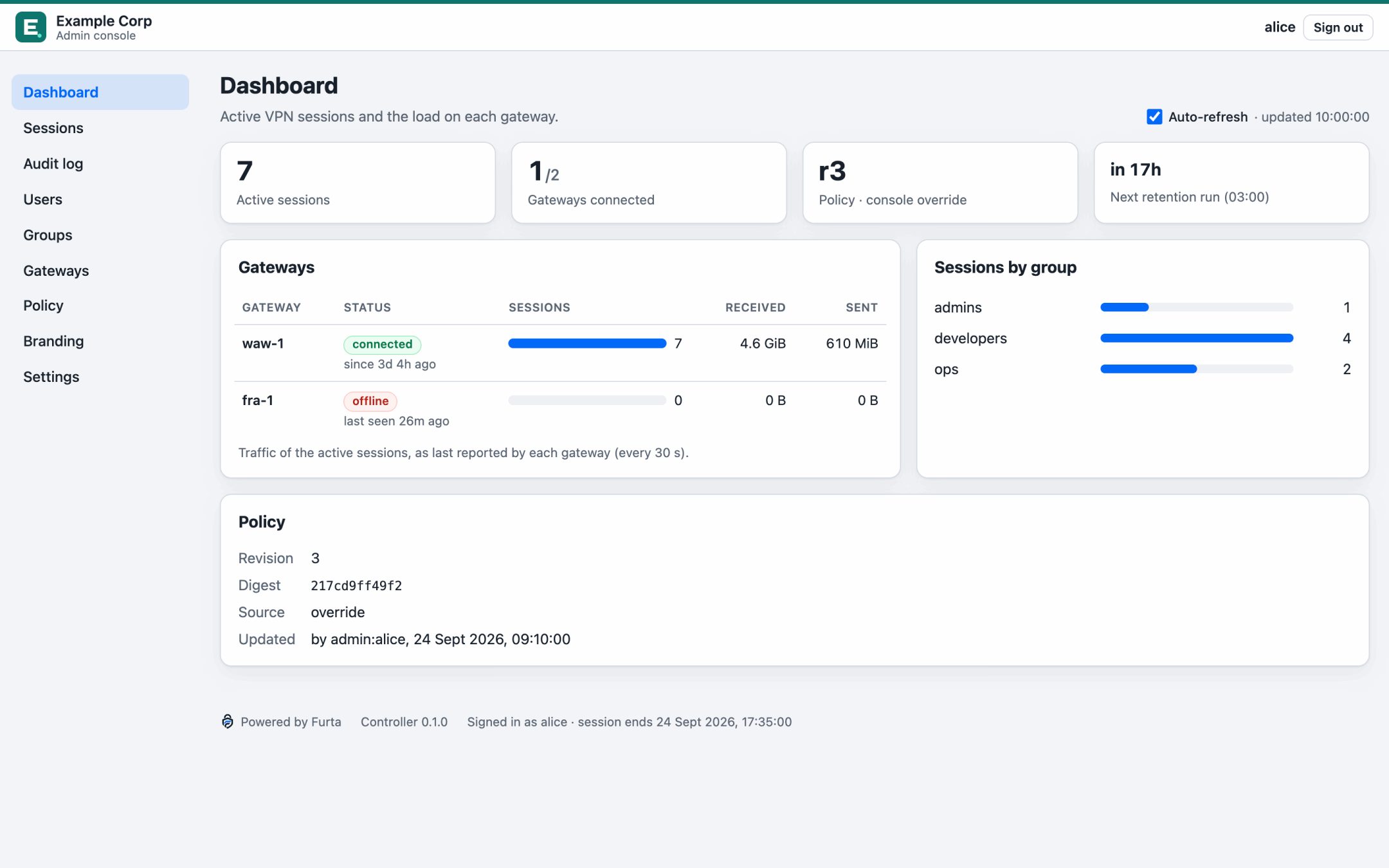
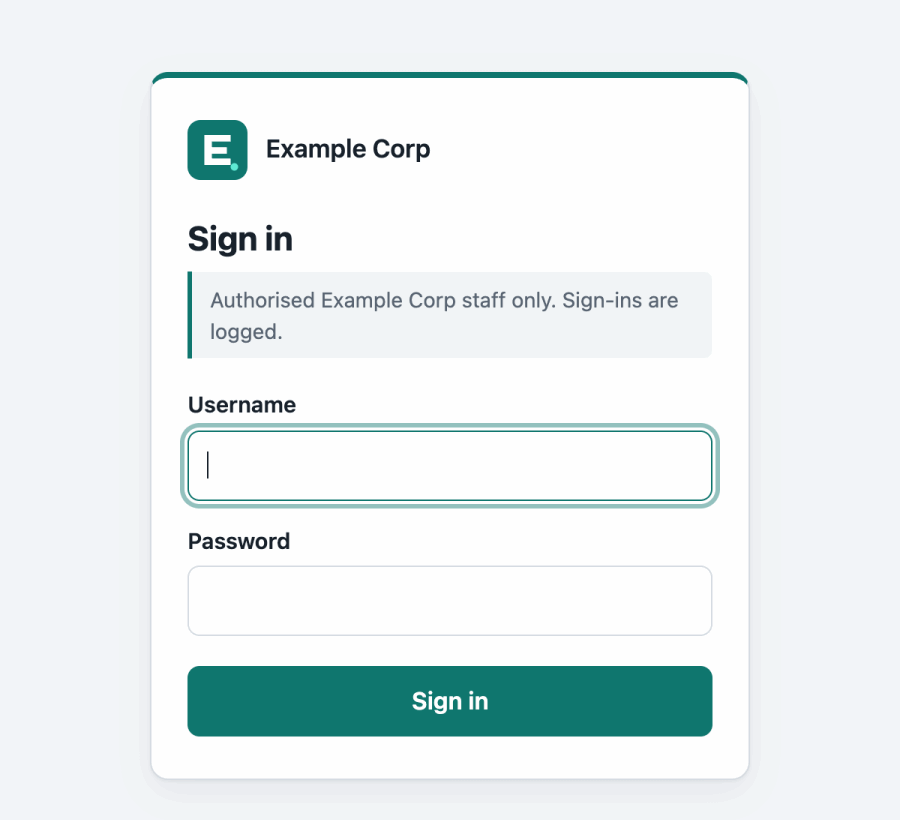
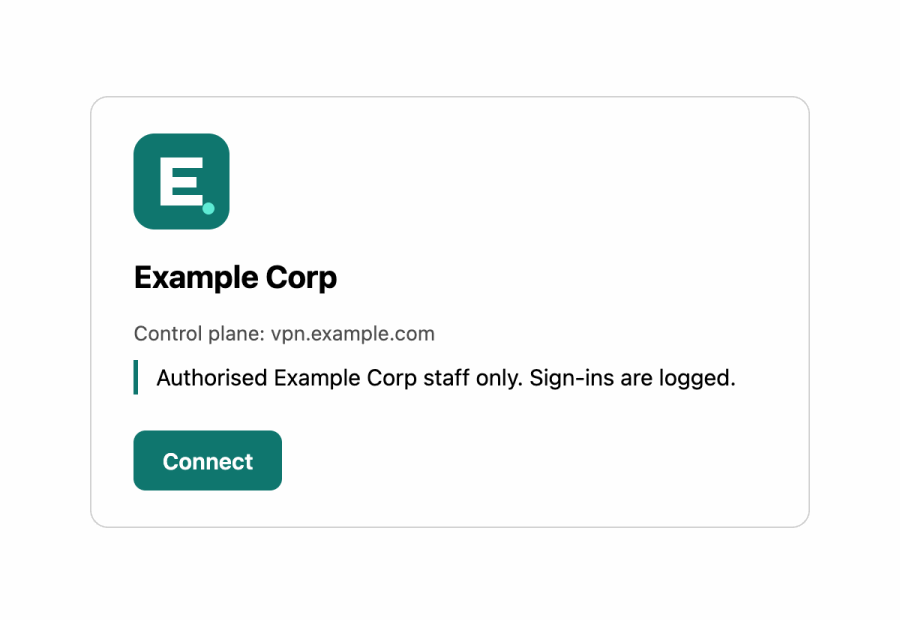
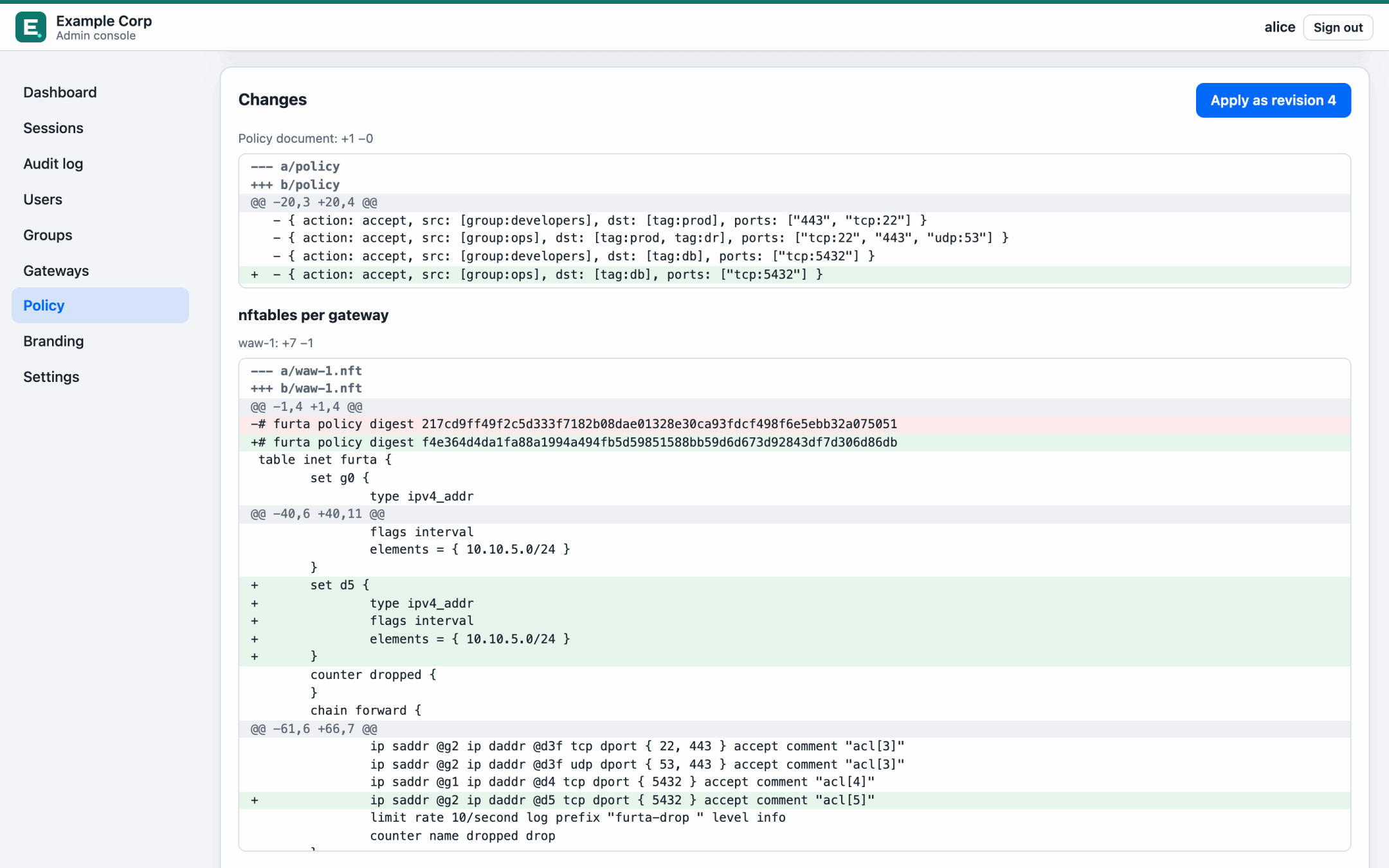
5 binaries, Apache-2.0
What you run.
- furta-controller
- Control plane: discovery, MFA login, sessions, address pools, policy and the session log.
- furta-gateway
- Linux data plane: kernel WireGuard over netlink, nftables ACL, local expiry. If it loses the controller, it fails closed.
- furta-admin
- The admin console. Keep it on your internal network; never expose it to the internet.
- furta
- Client service and CLI for Windows, macOS and Linux. One session per machine, nothing on disk.
- furta-tray
- Menu-bar or notification-area icon with the countdown to expiry. Holds no secrets.
Try it on one Linux machine
Walk through the gate.
The demo stack runs Keycloak with OTP required, a controller, a gateway, the admin console and a target at 10.99.0.10 you can only reach through the tunnel. You need Docker with compose v2 and a kernel with WireGuard (Linux 5.6 or newer).
docker compose -f deploy/docker-compose.yml --profile demo up -d --wait
Pre-alpha. The demo uses plain http on loopback and fixed passwords. Furta isn’t ready for production yet; v0.1.0 is in review.
The source code, docs and threat model will be published on GitHub. The demo runs from a checkout of the repository.